Physical Address
42°26′05″N 83°59′06″W
Physical Address
42°26′05″N 83°59′06″W
Author: Collin Category: Threat Analysis Tags: phishing, AI, CERT-UA, AGEWHEEZE, RAT, threat intelligence, blue team
Everyone in security has heard the prediction: AI is going to supercharge phishing. It shows up in every vendor slide deck, every threat landscape report, every conference keynote. The problem with that framing is that it’s been mostly speculative. Hypothetical scenarios, proof-of-concept demos, and a lot of “imagine what attackers could do.”
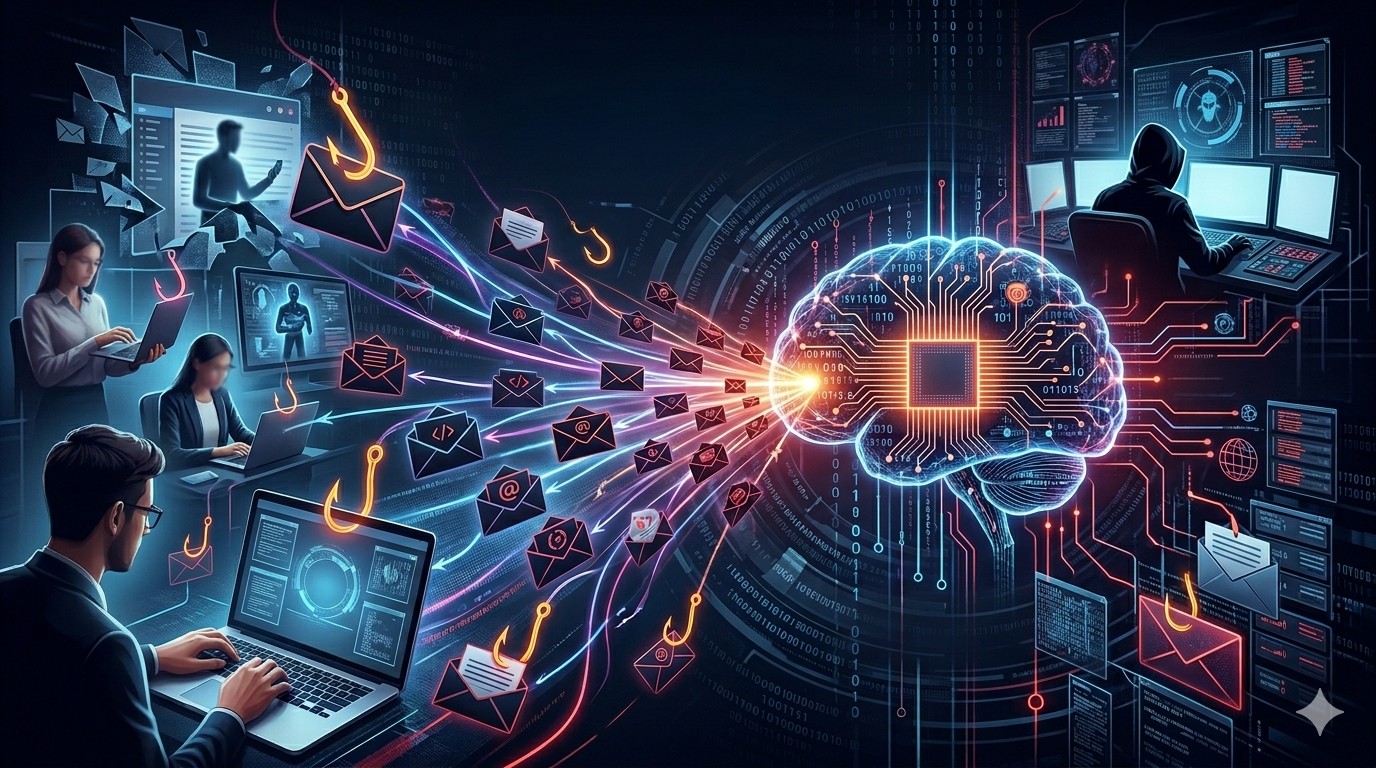
That changed last week. Ukraine’s Computer Emergency Response Team (CERT-UA) disclosed a phishing campaign where AI-generated infrastructure was confirmed in the wild, not theorized about. And the scale was significant: roughly one million phishing emails, targeting government agencies, hospitals, financial institutions, schools, and security companies across Ukraine.
This post breaks down what happened, how the malware works, what makes the AI angle meaningful for defenders, and what you can actually do about it.
On March 26-27, 2026, a threat actor tracked as UAC-0255 sent approximately one million phishing emails impersonating CERT-UA itself. The emails came from addresses like incidents@cert-ua[.]tech and directed recipients to download a password-protected ZIP archive (CERT_UA_protection_tool.zip) hosted on Files.fm.
The malware was packaged as a security tool from the agency responsible for protecting Ukraine’s networks. If you’re a government employee who just received an email from what looks like your national CERT telling you to install a protection tool, that’s a hard social engineering play to resist.
The domain cert-ua[.]tech was registered on March 27, 2026, and briefly ran with a valid GlobalSign SSL certificate before going offline. When CERT-UA analyzed the HTML source code of the fake site, they found a comment embedded in it: “With Love, CYBER SERP” (translated from Russian). Their assessment was that the site was generated with the assistance of AI tools.
A Telegram channel called “Cyber Serp” publicly claimed responsibility for the attack on March 28.
The ZIP archive delivered a Go-based Remote Access Trojan called AGEWHEEZE. The choice of Go is deliberate and worth understanding if you’re on the defense side.
Go (Golang) binaries are statically compiled, meaning the entire runtime is bundled into a single executable. No external dependencies, no interpreter needed. This makes them cross-platform by default and, more importantly for attackers, harder for some antivirus engines to analyze. Go binaries are large, structurally complex, and don’t decompose cleanly in the same way a .NET or Python payload does. Signature-based detection struggles with them because the legitimate Go runtime code creates noise that obscures the malicious logic.
AGEWHEEZE is a full-featured RAT with capabilities that give an attacker near-complete control over a compromised machine:
AGEWHEEZE communicates with its command-and-control server at 54.36.237[.]92 over WebSockets. WebSocket traffic is persistent, bidirectional, and runs over standard HTTP/HTTPS ports. From a network monitoring perspective, it blends in with legitimate web application traffic, which makes detection harder if you’re relying solely on port-based or protocol-based filtering.
The C2 infrastructure was hosted on OVH (AS16276), a French cloud provider commonly used by both legitimate services and threat actors due to its scale and relatively permissive hosting policies.
AGEWHEEZE establishes persistence through multiple mechanisms, which is a belt-and-suspenders approach that makes it harder to fully remediate:
SvcHelper and CoreServiceIf you clean one persistence method but miss the others, the RAT survives.
The CERT-UA impersonation site being AI-generated isn’t just a fun detail. It signals a shift in how phishing infrastructure gets built, and that shift has real implications for defenders.
Traditionally, phishing infrastructure required some amount of manual effort. Cloning a website meant viewing source, copying assets, hosting them, and fixing broken references. The results were often imperfect: broken CSS, missing images, mismatched fonts, obvious tells that the site wasn’t real. Defenders could train users to “look for signs the site is fake” because those signs were usually there.
AI-generated sites don’t have the same artifacts. A language model prompted to “create a website that looks like CERT-UA’s official page” can produce clean, functional HTML with proper structure, consistent styling, and no obvious tells. The barrier to creating convincing phishing infrastructure drops from “someone who knows web development” to “someone who can write a prompt.”
That matters for defenders because it does a few things at once:
It increases volume. If building a phishing site takes minutes instead of hours, attackers can create more of them, rotate them faster, and burn infrastructure without caring.
It improves quality at scale. The long tail of phishing campaigns used to be sloppy. AI-generated infrastructure means even low-skill operators can produce sites that look professional.
It defeats visual inspection. The standard advice of “check if the site looks legitimate” becomes less reliable when the site was generated by a model trained on millions of legitimate websites. The fake CERT-UA site had a valid SSL certificate. It looked right. The URL was the giveaway (cert-ua.tech vs. the real cert.gov.ua), but not everyone checks that.
AI-generated phishing infrastructure is still infrastructure. It still needs:
The artifacts have moved from the HTML to the infrastructure metadata. Defenders who focus detection on “when was this domain registered, who issued the cert, and what’s the hosting profile?” are better positioned to catch AI-generated phishing infrastructure than those still relying on visual cues.
For blue teamers wanting to map this to detection frameworks:
| Technique | ID | Description |
|---|---|---|
| Spearphishing Attachment | T1566.001 | Phishing emails with password-protected ZIP containing AGEWHEEZE |
| Scheduled Task | T1053.005 | Persistence via SvcHelper and CoreService scheduled tasks |
| Registry Run Keys / Startup Folder | T1547.001 | Persistence via Registry autostart and Startup directory |
| Input Capture: Keylogging | T1056.001 | Keyboard and mouse emulation/capture |
| Type | Value | Notes |
|---|---|---|
| C2 IP | 54.36.237[.]92 | OVH-hosted, WebSocket communication |
| Phishing domain | cert-ua[.]tech | Registered March 27, 2026. Now offline. |
| Email sender | incidents@cert-ua[.]tech | Impersonating CERT-UA |
| Payload filename | CERT_UA_protection_tool.zip | Password-protected ZIP on Files.fm |
| Scheduled tasks | SvcHelper, CoreService | Persistence indicators |
| ASN | AS16276 (OVH) | C2 hosting |
If you’re running a SOC, managing email security, or responsible for endpoint detection, here’s what’s actionable from this campaign:
Check Certificate Transparency logs proactively. Tools like crt.sh let you monitor for newly issued certificates on domains similar to your organization’s. If someone spins up yourorg-security[.]tech with a valid cert, you want to know about it before the phishing emails go out, not after.
Monitor for domain lookalikes. Services like DNSTwist, URLCrazy, or commercial brand monitoring tools can flag newly registered domains that resemble your organization. The gap between domain registration (March 27) and the phishing campaign (also March 27) was basically zero in this case, so speed matters.
Don’t rely on visual inspection of sites. Train users to verify through official channels instead. If CERT-UA sends you a tool to install, go to cert.gov.ua directly and check. If your IT department sends you a security update via email, call the help desk and confirm. The verification step needs to be external to the email chain.
Hunt for Go-based RAT indicators. If your EDR supports behavioral analysis, look for large, unsigned Go binaries making WebSocket connections to external IPs. Also hunt for the specific persistence artifacts: scheduled tasks named SvcHelper or CoreService, and new Registry Run key entries you can’t account for.
Block the IOCs. Add the indicators above to your threat intel feeds. The C2 IP and domain are burned, but similar infrastructure from the same actor could follow the same patterns (OVH hosting, .tech TLDs, WebSocket C2).
This campaign was “largely unsuccessful” according to CERT-UA. Only a handful of personal devices at educational institutions were compromised. But the technique worked well enough to generate a million emails with convincing infrastructure at minimal effort and cost.
The bar for producing high-quality phishing infrastructure just dropped significantly. AI-generated sites, combined with legitimate SSL certificates and file hosting services, create a phishing package that’s harder to distinguish from the real thing using traditional methods.
Detection needs to move from the surface (does this site look real?) to the plumbing (when was this registered, where is it hosted, and why is my user downloading a ZIP from Files.fm?).
References: